

The Inventory is a mechanic in The Lost Mines that allows the player to store and use any items they find.
Overview
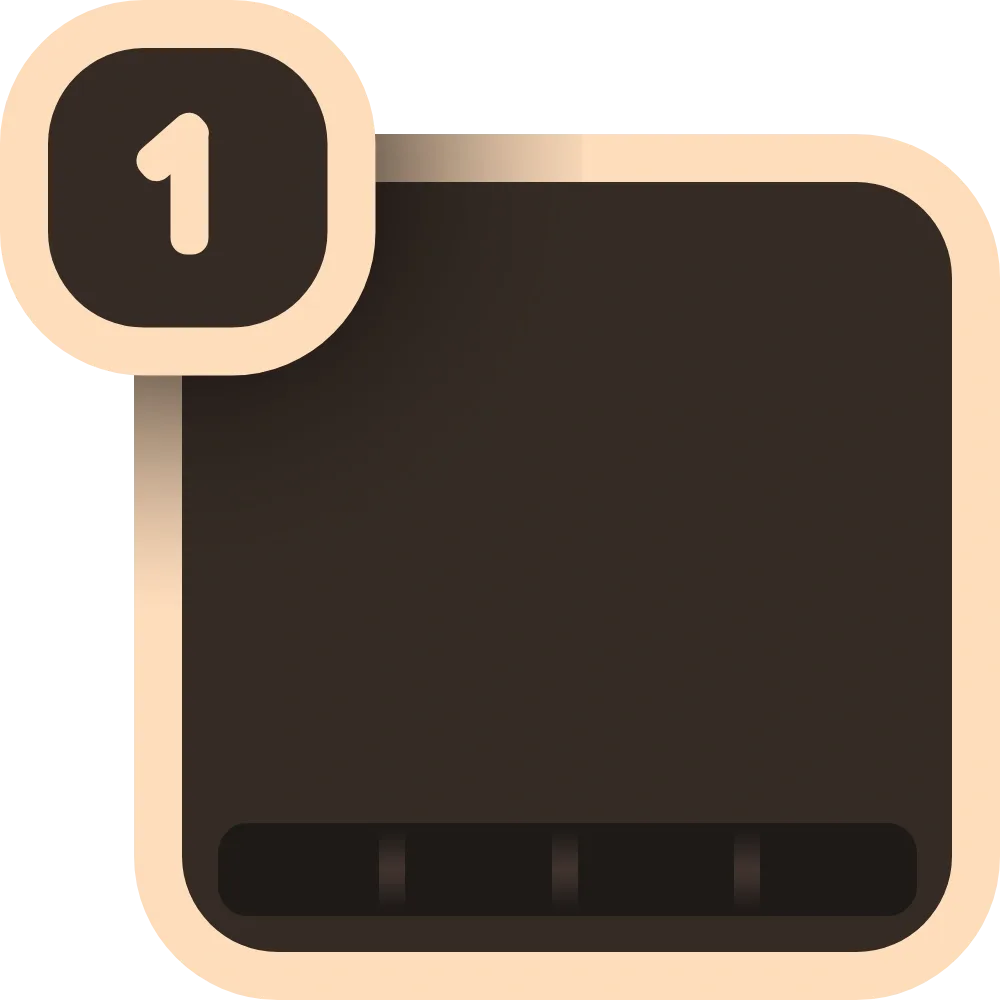
When the player picks up an item, it will be placed in their inventory, a UI feature of which can see that item's icon, what number on their keyboard to press to equip the item, the number of stacks if multiple of the same item can be carried at once and, if applicable, a meter showing the remaining uses/usage time of the item.
The player's inventory has limited space, only allowing them to carry up to 6 unique items at once. However, items that are required to progress, such as shears, will bypass this limit. These items will have smaller icons and striped lines under them in the inventory. To select an item, players can do the following things:
- On mobile, tapping the item you wish to equip.
- On computer, clicking the corresponding number, or by scrolling with the scroll wheel.
- Additionally, it is possible to click on any item if the player has the settings menu open.
Notes
- The player can drop an item by equipping it then pressing X on their keyboard.
- For mobile, you can hold the inventory button to drop an item.
- This is also possible on computer, however you will need to bring up the settings menu to be able to click on the items.
- For mobile, you can hold the inventory button to drop an item.
- If the player is holding an item and tries to pick up another item while their inventory is full, the items will be swapped.